

01
PROBE
1.1.1.1
Choose a public target.
Start with public DNS presets such as 1.1.1.1 and 8.8.8.8, or add a public host you are authorised to test.
WORLDWIDE PING & NETWORK LATENCY
Latency to public targets, from worldwide probes or your own connection. Explore the map, compare the numbers, and keep a clearer network field note.
iOS & Android project · Mac web app
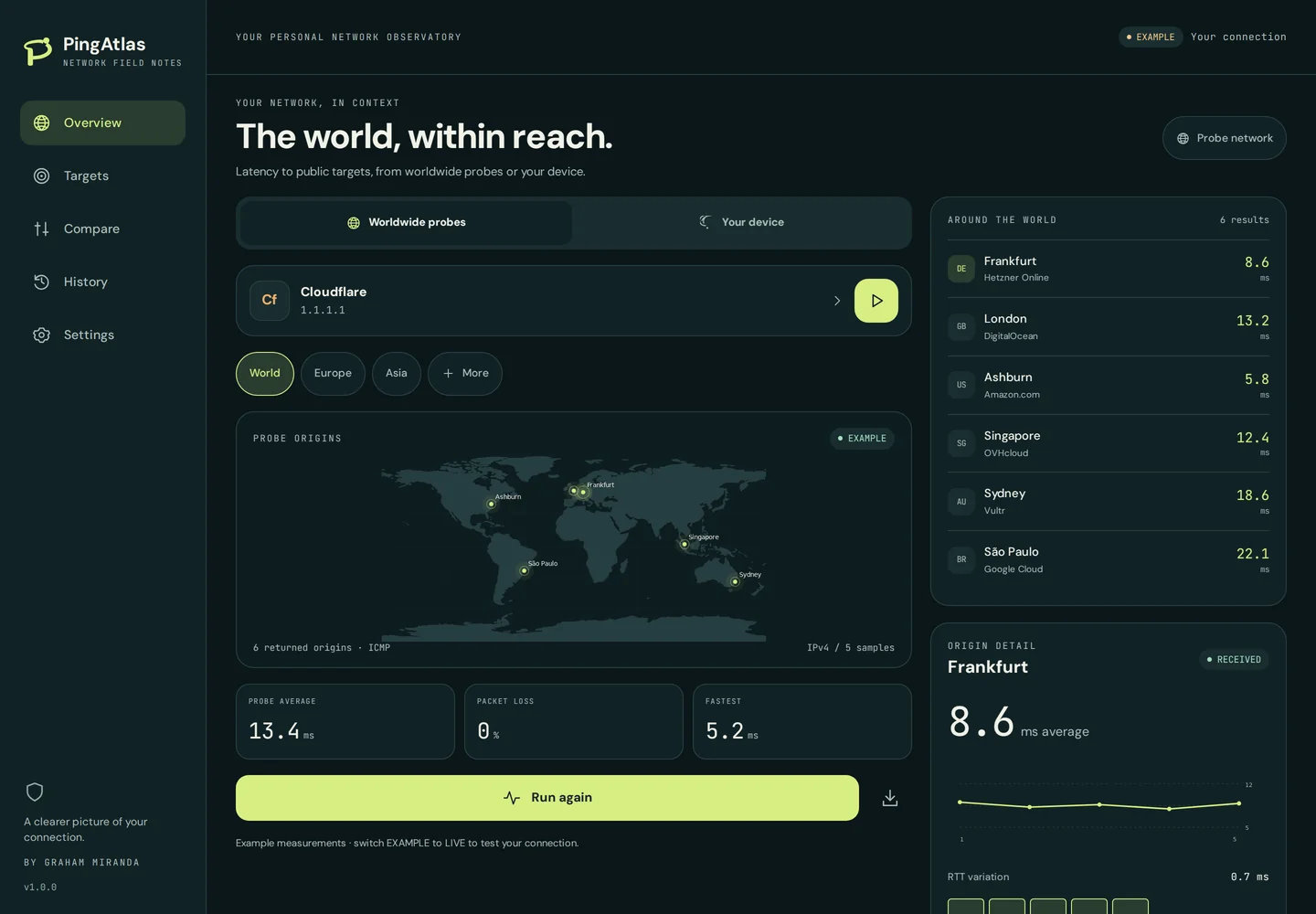
Your phone is one vantage point. Independent probes around the world give you others. PingAtlas keeps the test origin and transport visible.
NETWORK FIELD NOTES
Start with public DNS presets such as 1.1.1.1 and 8.8.8.8, or add a public host you are authorised to test.
Compare targets using shared probe origins. See where each responds and where a result is missing.
Inspect averages, individual responses, packet accounting and RTT variation without hiding unknown values.
The standalone app includes completed-test history. Website demo results stay in memory and reset on reload.
Export CSV or JSON when you choose. Keep test origin, target and transport attached to the numbers.
Dark and light themes, phone navigation and a wider sidebar layout keep the same app comfortable across sizes.
Use worldwide Globalping probes, or your own device connection.
Select a public target, region, IP family and supported transport.
See returned origins, latency and failures. Switch from EXAMPLE to LIVE for real tests and review the sharing prompt.
In the browser, device mode uses HTTPS. Native device ICMP needs the included Swift/Kotlin module in a compiled app. Worldwide ICMP runs on remote probes.
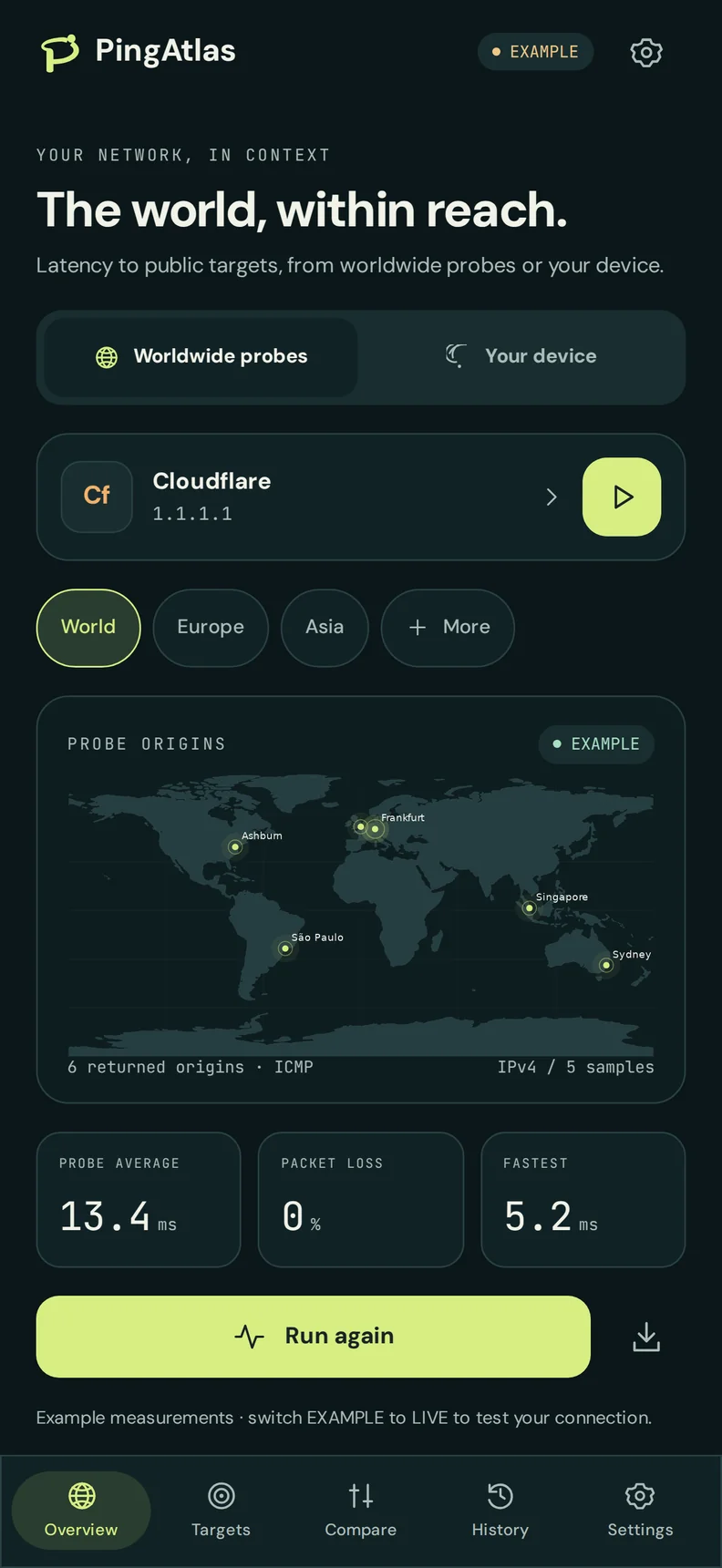
Phone and desktop layouts from the supplied PingAtlas project. These captures use example data.
Yes. The interactive demo loads a web export of the supplied PingAtlas Expo project, including Overview, Targets, Compare, History, Settings and privacy controls. It starts with EXAMPLE data.
At an independent Globalping probe in the requested region. It measures from that probe to your public target. The map shows probe origins; an anycast target such as 1.1.1.1 does not have one fixed destination city.
Yes, the app supports LIVE worldwide ICMP/TCP tests after its sharing-permission prompt, subject to Globalping availability and usage limits. Browser device mode supports HTTPS requests, subject to browser/CORS limitations. It cannot send native device ICMP.
The supplied project supports Mac through its responsive web app. No native macOS binary or Mac App Store release is included. Native iOS/Android signing, device validation and store submission are still release work.
In EXAMPLE mode, no test or directory request is made. With worldwide permission, Globalping receives your IP, target and test options; measurement results may be public. Direct HTTPS targets see connection metadata. The website demo keeps history and preferences in memory.
Store listing links have not been supplied. You can try the web app here; signed native builds and store release remain separate steps.
NO ACCOUNT NEEDED
Open the actual app and explore your first target.